What is Turn Field?
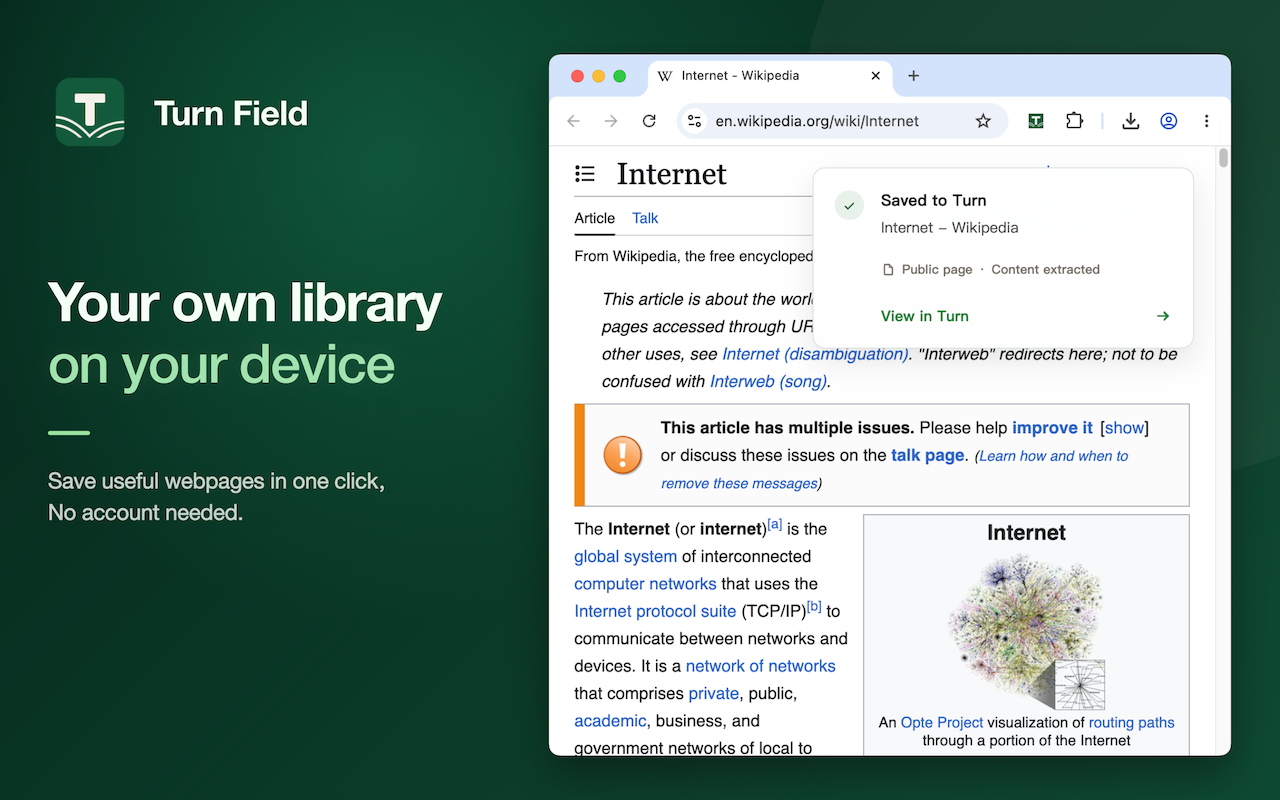
Turn Field is a local-first read-later browser extension and web app for saving, reading, and organizing useful web pages.
Browser extension
No extension needed
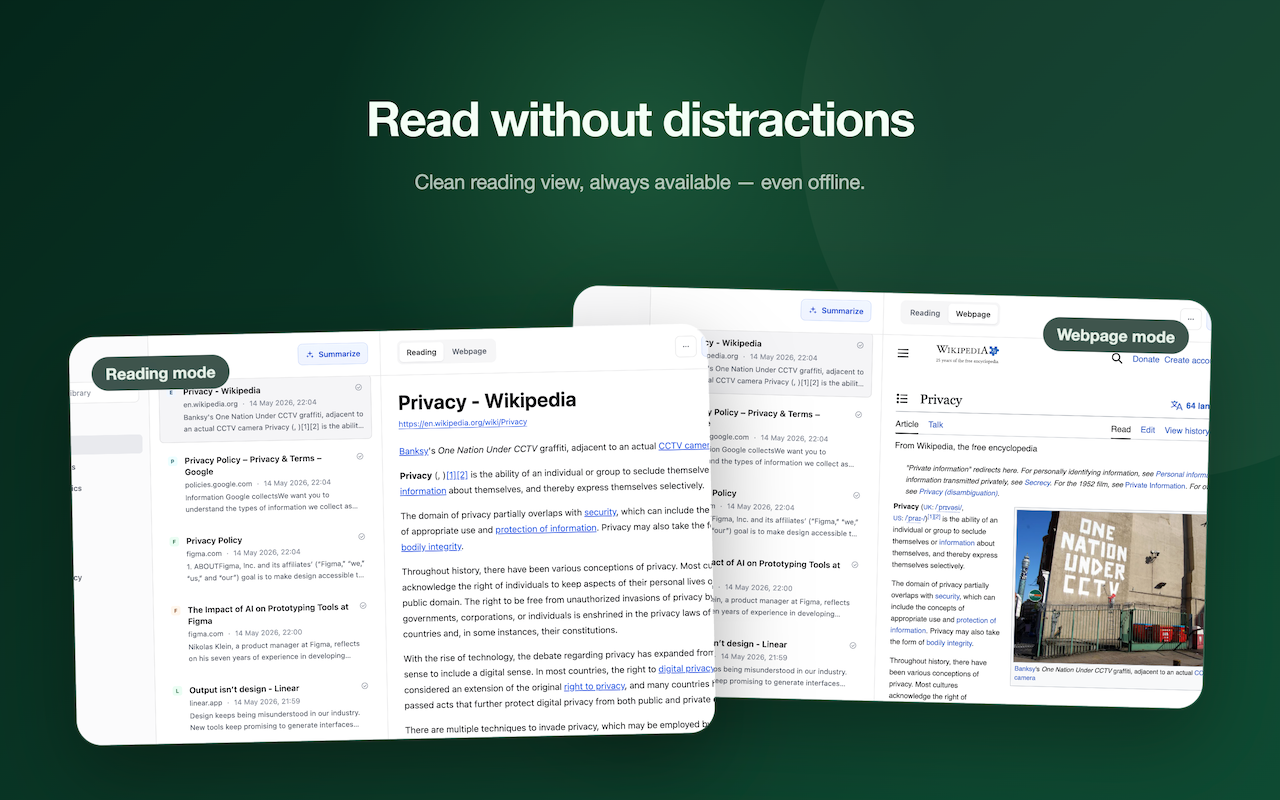
Skim the key points, read the full article, or view the original webpage.
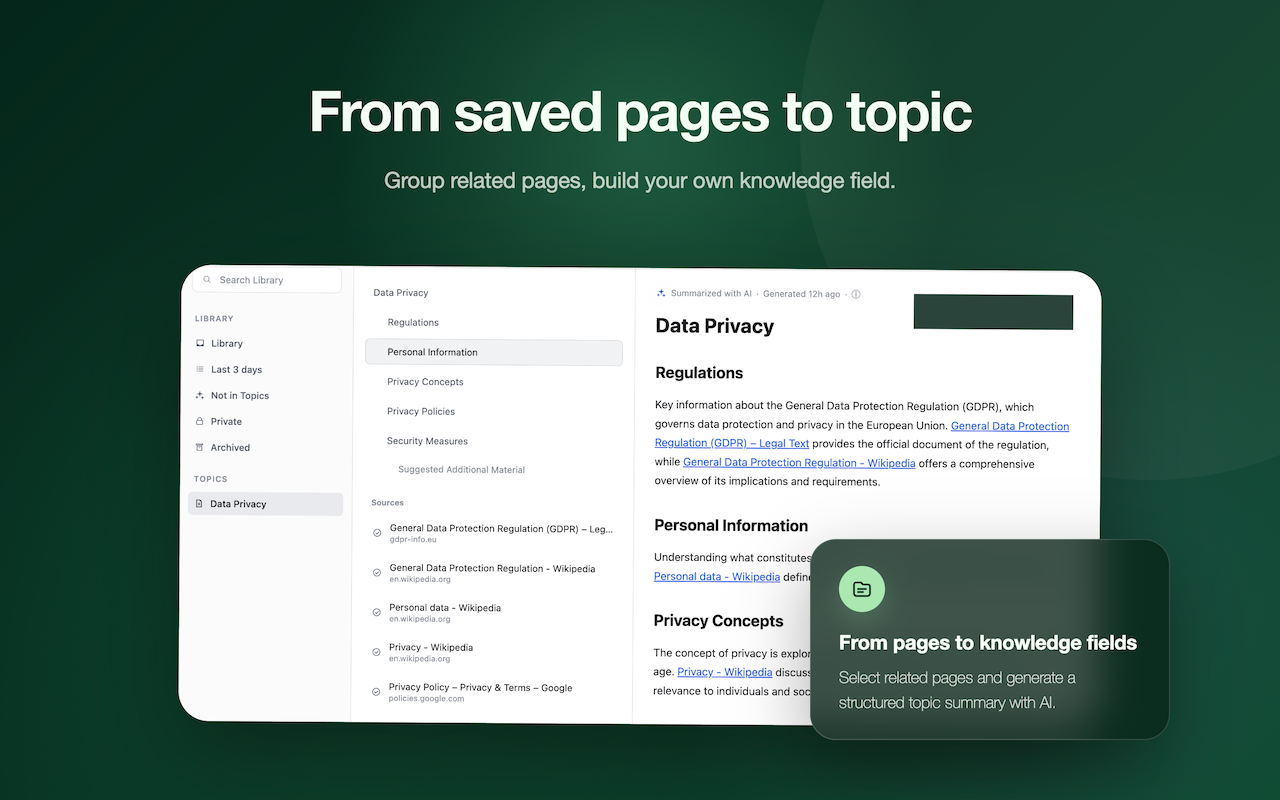
Organize related webpages into topics and build on them over time.
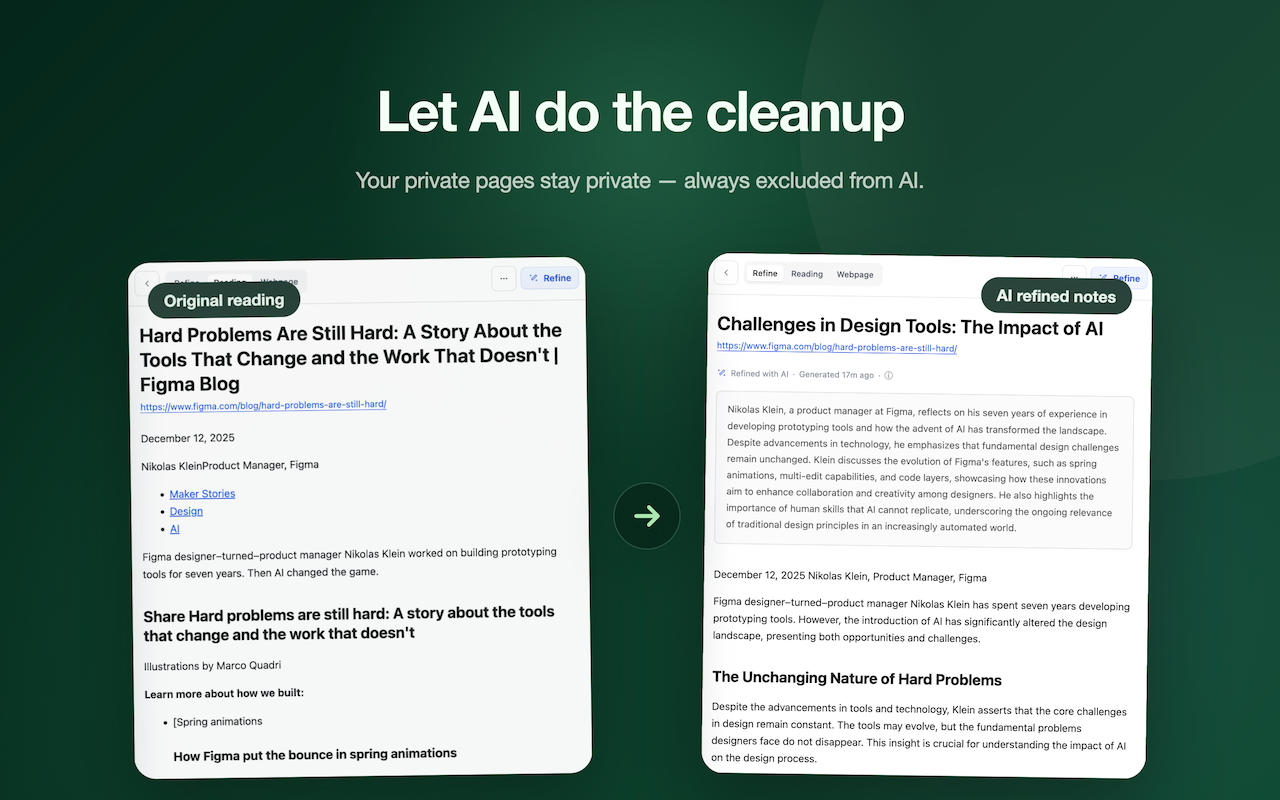
Ask questions about a saved page or topic. Private pages stay out of AI.
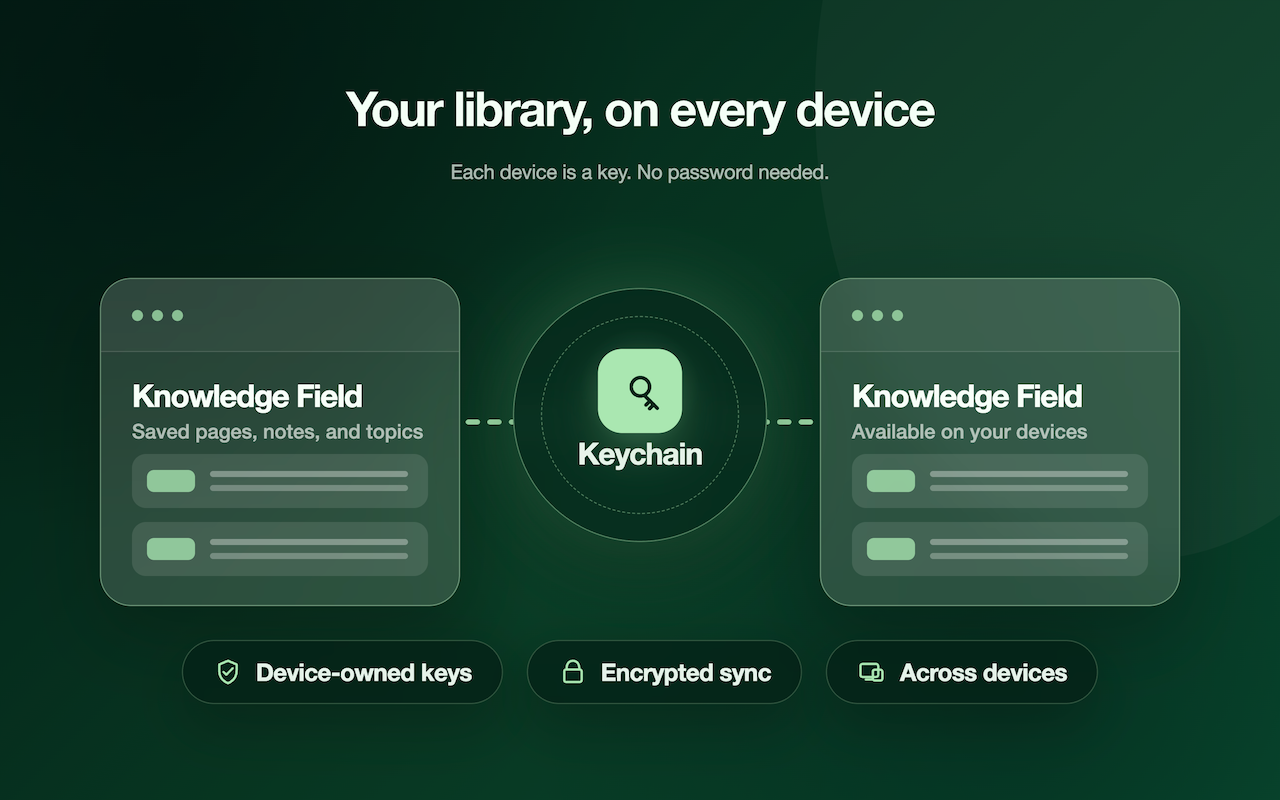
Turn on encrypted sync and take your library across devices.
FAQ
Turn Field is a local-first read-later browser extension and web app for saving, reading, and organizing useful web pages.
No username, password, or email is required to start. Turn Field verifies access with passkeys and device keys instead of a traditional account.
Saved pages stay on your device by default. When data leaves your device for optional sync, it is protected with encryption tied to authorized device keys.
You can add more device keys from Keychain. This helps reduce the risk of losing access if one device is lost or unavailable.
Turn Field itself is free. You can save and read pages locally on your device. MyField cloud services are optional: the current Free plan includes an encrypted sync relay and AI allowance, with paid plans for higher sync needs and AI features coming later. See plans.
Yes. Saved pages can be read offline after they are saved.
Yes. You can turn on end-to-end encrypted sync when you need it.
No. Private pages are excluded from AI. Content is sent to AI only when you use actions such as Organize & Summary or Refine for the selected page or page list.
Availability
Install the Turn Field extension for one-click saving on Chrome or Edge. No Chrome or Edge, or saving from a phone? Use the bookmarklet — it works in any browser, no install required. Open the web app on desktop or mobile to read and organize pages already saved.